A global search used to search any object based on the configuration. You can search all object's data easily. You can also configure one to many fields. The "Global Search" is visible to all odoo users. The search box is available at the top of the menu. Search results on click redirect to that record on the new tab. You can easily perform a search on multi-company objects also we have beautifully show company name before so you can see search results related to that company, we have show object (model) nicely whenever you have search query found in multiple objects, you can very easily see the difference of different objects. It also takes care of access rights of users, if a user doesn't have any object access than it will not show that record in search results. if the user has multi-company enabled than it shows multi-company results. We have made this looks fully configurable you can easily configure what is an important object(model) and related fields of that object(model), We have made security groups for this configurations so only who have right that user only can configure this global search objects and fields, All internal users can use this global search feature. Cheers!
Enable the "Show Global Search Configuration" menu.
We can configure object for global search from here.
Select object/model, name field, model fields. For one to many fields, you can configure from the smart button.
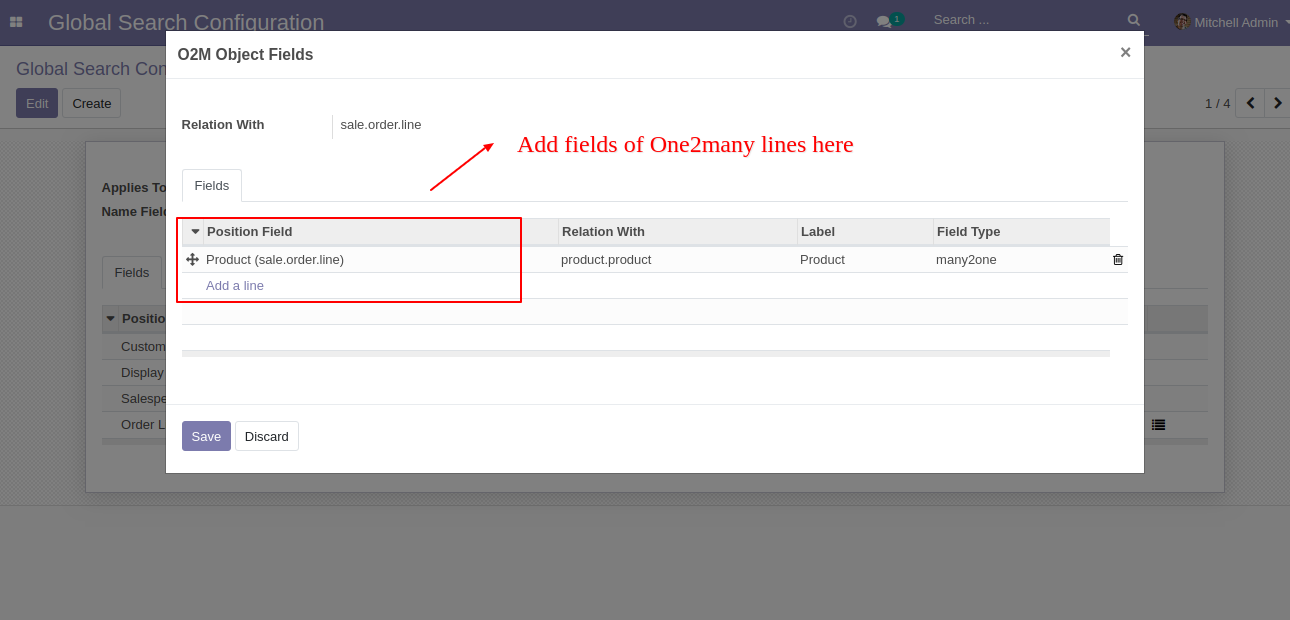
After that one wizard open, add one to many fields.
You can search the object based on configuration. "Global Search" visible to the whole odoo user.
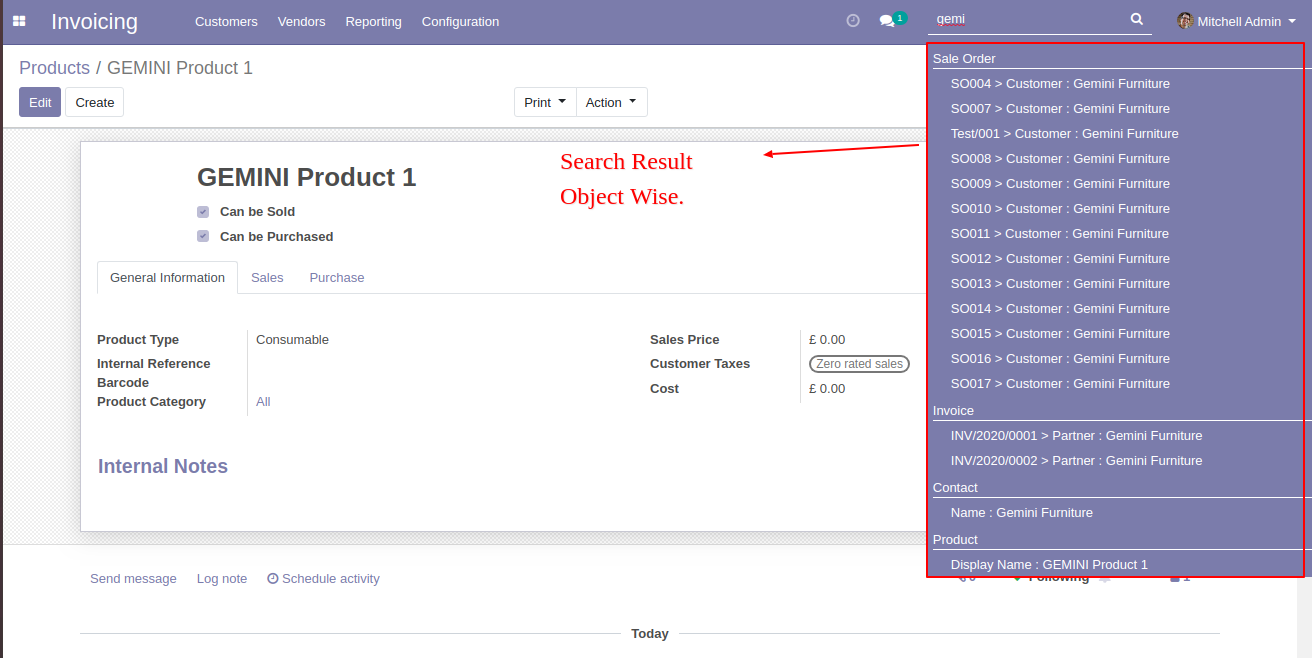
Object wise search result looks like below.
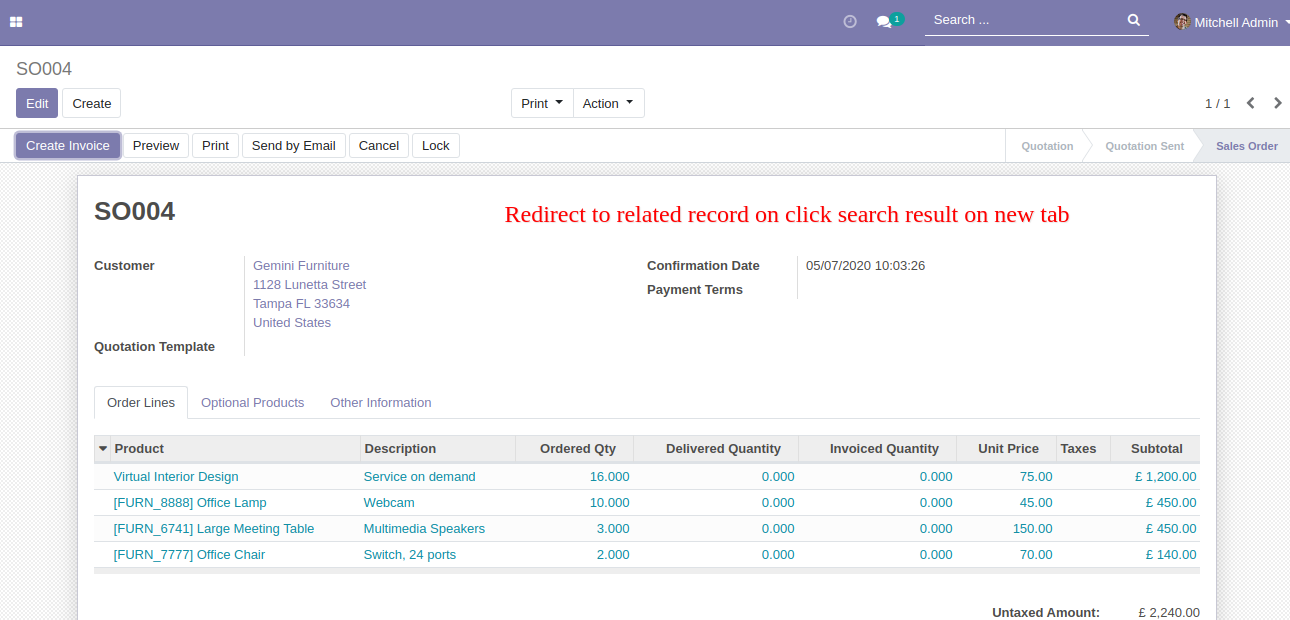
On the click search result, it will redirect to that record.
Related record on click search result redirects on the new tab.
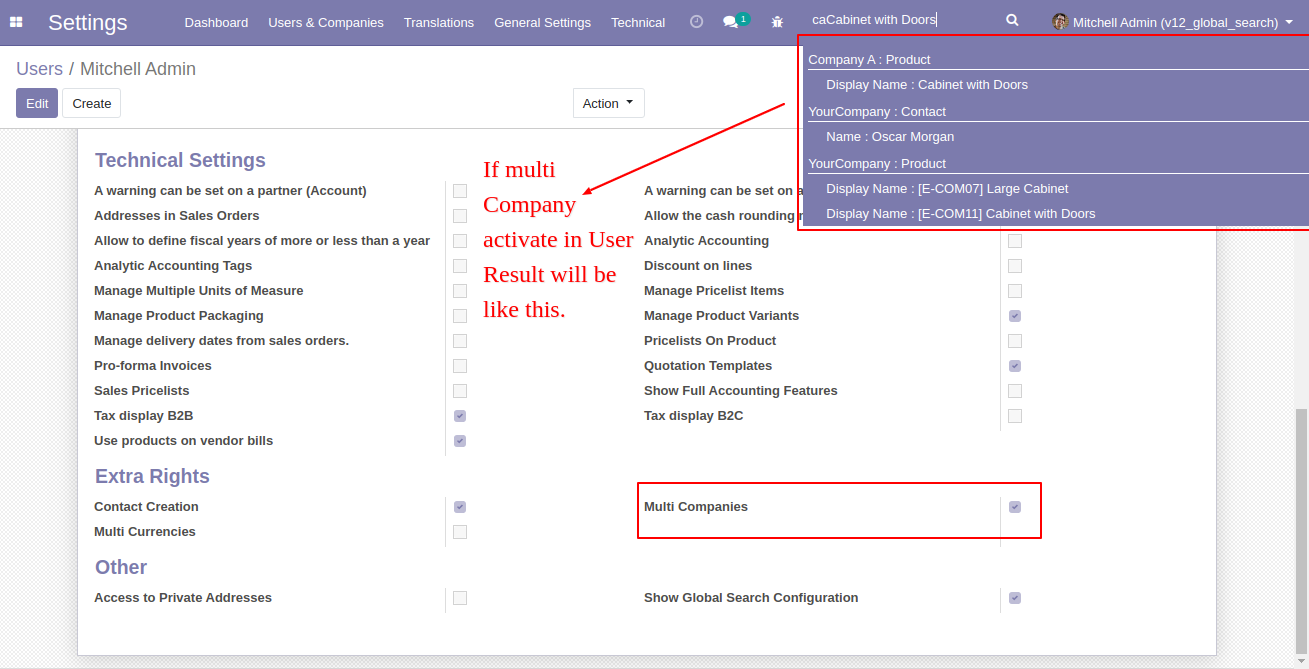
If multi-company activates in users look like this.
The multi-company result looks like below.
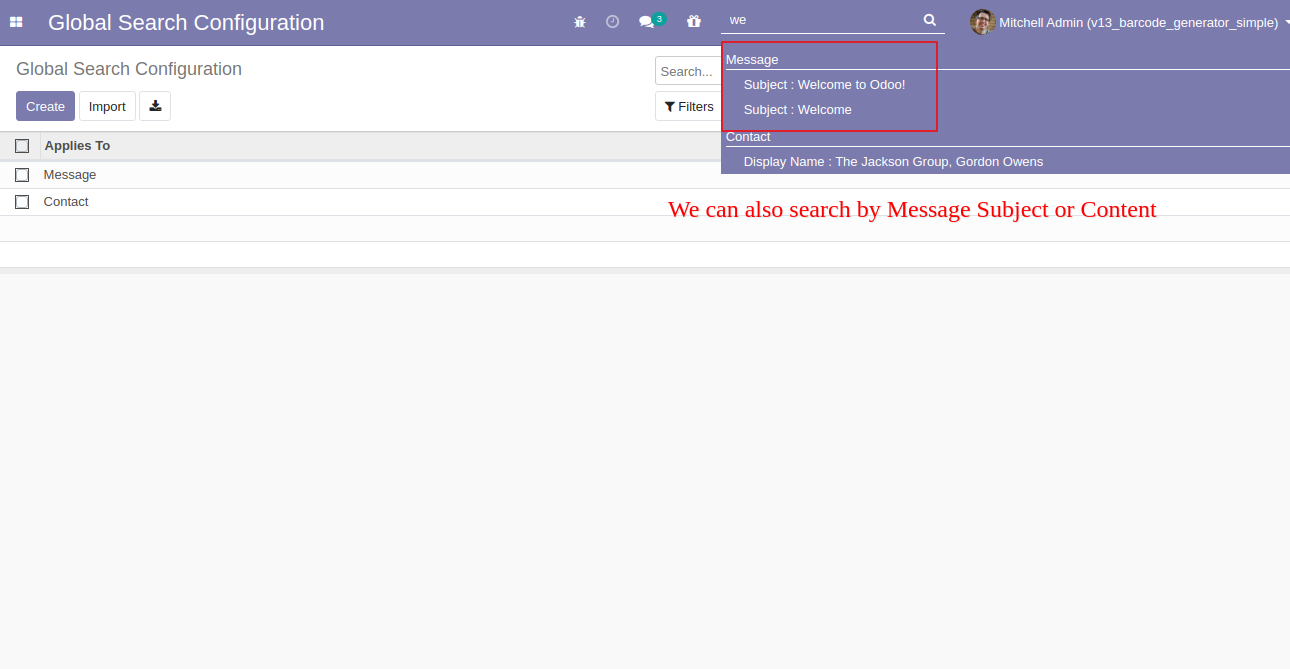
We can search by message, subject, or any content.
The searched result looks like this.
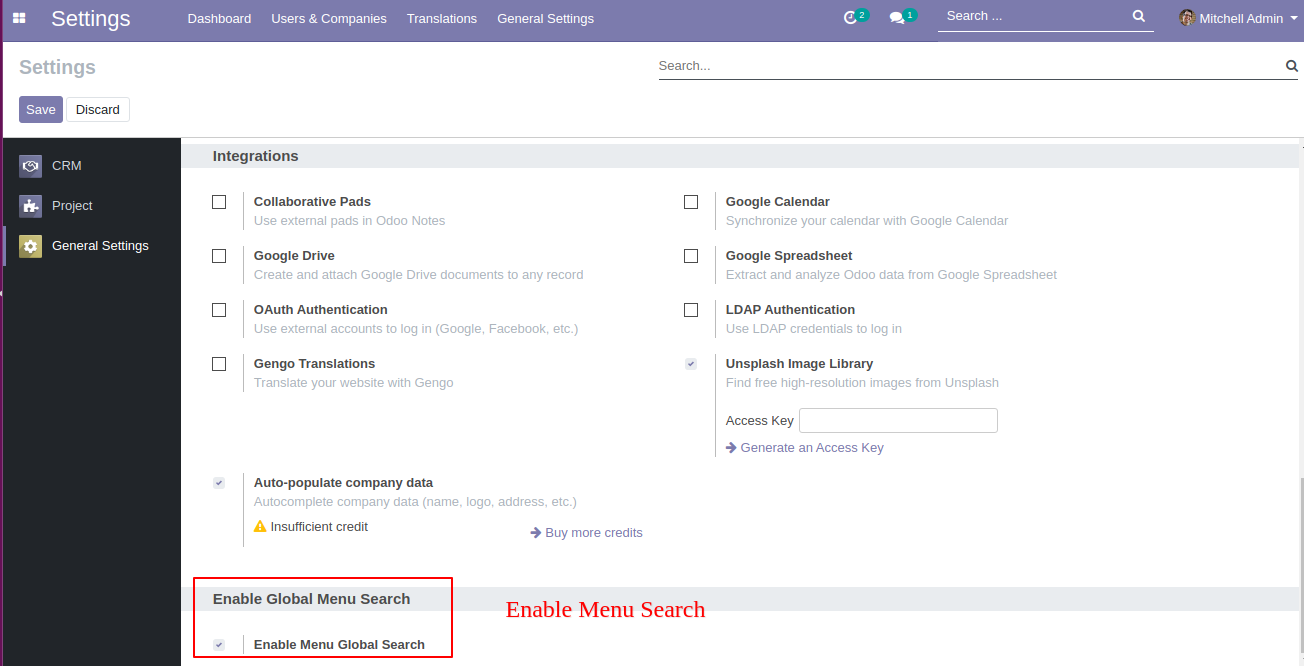
Tick the "Enable Menu Global Search" for search menus and redirect there.
The searched result.
Enter letter number to search after that letter in search box.
The searched result.
You can clear the search value using the cancel button and when clicked in the body it clears the search value.